How to Use Trending Reels Audio for Music Promotion
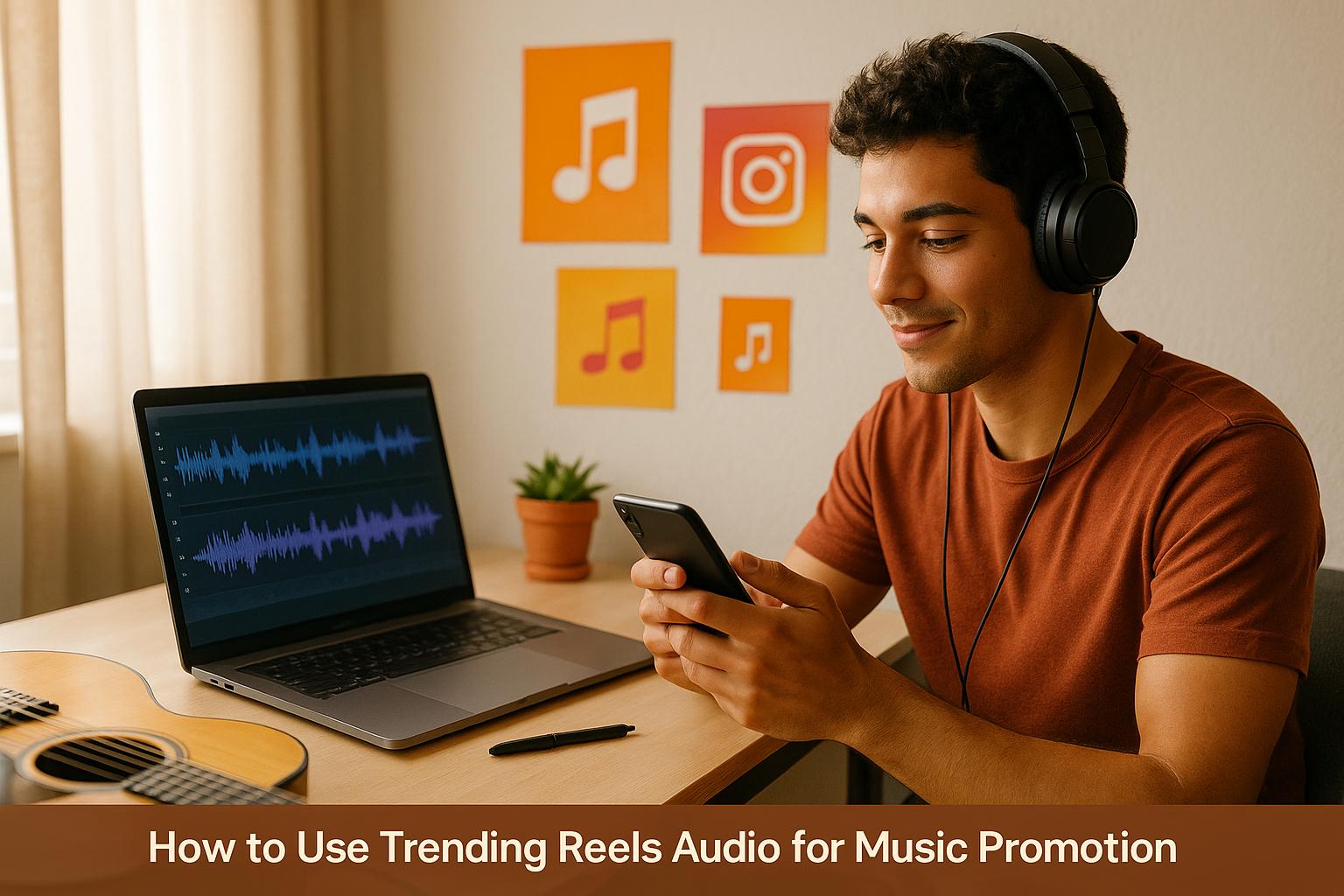
How to Use Trending Reels Audio for Music Promotion
Want to grow your music audience on Instagram? Start using trending Reels audio. Reels outperform other Instagram post types with a 1.23% engagement rate, and using trending sounds can boost visibility by aligning with Instagram's algorithm. Here's how you can leverage trending audio effectively:
- Why it works: Trending audio gets prioritized by Instagram's algorithm, increasing the chances of your content appearing on Explore pages and feeds. It also connects your music with ongoing social trends.
- How to find trending audio: Use Instagram's audio library, look for the upward arrow icon on Reels, and follow accounts like @creators for updates. You can also spot trends early by checking TikTok or YouTube Shorts.
- Best practices: Match the audio to your content's mood, pair it with engaging visuals, and post during peak activity times. Tools like Vibesdrop can simplify content creation by syncing your music with visuals and scheduling posts across platforms.
- Track your results: Use Instagram's analytics to monitor likes, comments, shares, saves, and reach. Adjust your strategy based on what performs best.
Key takeaway: Using trending Reels audio can help you reach new listeners, increase engagement, and promote your music effectively on Instagram. Act quickly, as trends fade fast.
Promote Your Music on Instagram REELS | Music Marketing Tips | Ditto Music
How to Find Trending Audio on Instagram Reels
Finding trending audio on Instagram Reels can give your content a boost, and there are a few effective ways to discover popular tracks.
Use Instagram's Audio Library
Start by opening the Instagram app and tapping the camera icon in the top-left corner. From there, select "Reels" at the bottom of the screen and tap the musical notes icon to access Instagram's audio library.
Within the library, check out the "Trending" tab, which is updated every few days to showcase the most popular songs being used across the platform. You can preview tracks by tapping on them, and if you find one that fits your content, simply select it to add to your Reel.
For users with a professional account in the US, there’s an added perk. Head to your Professional Dashboard via your profile. Under "Tips and resources", tap "Trending audio" to see curated suggestions tailored to your account. This section also highlights trending original audio, giving you the chance to spot rising trends before they hit their peak.
To stay organized, use the bookmark icon to save trending tracks for later. This makes it easy to plan your content and ensures you have popular audio ready for future posts.
Next, let’s explore how to spot trending audio directly while browsing Reels.
Spot the Trending Arrow Icon
While scrolling through Reels, keep an eye out for the upward arrow icon next to audio tracks. This icon signals that a particular sound is trending, meaning it’s gaining traction and being used frequently by other creators.
When you see this arrow, it’s a sign that the audio has momentum and is being favored by Instagram's algorithm. Using these tracks can increase your content’s visibility, as you’re tapping into a trend that’s already popular.
You can find these trending arrows while browsing your feed, exploring the Reels tab, or even viewing individual posts. When you come across a Reel with trending audio that fits your content style, tap the audio name at the bottom of the screen to access it and use it in your own Reel.
Want even more trend insights? Instagram’s official accounts can help.
Follow Instagram Creators for Updates
Following @creators is a smart way to stay updated on trending sounds and get tips on using Instagram features effectively. This account regularly shares updates on trending songs, editing hacks, and feature announcements to help you stay ahead.
Check out their story highlights, especially the "IG Anthems" section, which features curated lists of trending audio along with tips on how to use them to maximize your reach.
For an even broader strategy, consider looking beyond Instagram. Many trending Instagram Reels sounds originate on TikTok or YouTube Shorts. Browsing trending audio on these platforms first can give you a head start. Once you find a promising track, search for it on Instagram to use it early - before it becomes oversaturated.
This cross-platform method can give you an edge, helping you ride the wave of a trend while it’s still building momentum.
Best Practices for Using Trending Audio in Reels
Now that you know how to find and select trending audio, let’s dive into how to use it effectively to make your Reels stand out and amplify your music promotion.
Match Audio to Your Content's Mood
Choose trending audio that fits the mood of your content. When the audio complements the tone of your visuals, it creates a seamless experience that captures attention and keeps viewers engaged. This harmony can make your content shine in the crowded world of social media.
Consider the vibe of your content. For example, if you’re promoting a mellow acoustic track, pairing it with a high-energy electronic sound will feel off. Instead, look for trending audio that matches your musical style and the specific track you’re showcasing.
As a musician, it’s also important to pick audio that aligns with your brand identity. Jumping on every trending sound might dilute your message. A thoughtful choice, like selecting an emotional, slower tempo audio for a heartfelt ballad, can help turn casual viewers into loyal fans.
Using trending audio isn’t just about aesthetics - it also helps Instagram’s algorithm recognize your content as engaging, which increases the chances of your Reel being shown to more users. On the flip side, using outdated or mismatched sounds can make your content feel rushed or out of touch.
Once you’ve nailed the audio, the next step is pairing it with visuals that grab attention.
Pair Audio with Eye-Catching Visuals
Trending audio works best when paired with compelling visuals. Reels are designed to captivate, and combining the right audio with striking visuals can significantly elevate your content.
Instagram offers tools like captions, filters, effects, and music overlays to help you create engaging and diverse content. Mixing it up keeps your followers interested, so avoid overusing the same press shots or album covers. Instead, use Reels as a chance to offer something fresh and exciting.
The visuals should enhance the mood of your chosen audio. For upbeat sounds, use dynamic visuals like quick cuts, vibrant colors, or high-energy performance clips. For more atmospheric audio, opt for slower transitions, dramatic lighting, or behind-the-scenes studio footage.
Don’t forget to optimize your visuals for Instagram’s vertical format. The 9:16 aspect ratio is key since Instagram heavily promotes Reels on the Discover page and throughout the app. Professional-looking content in this format ensures your Reel makes the best possible impression.
After perfecting your audio and visuals, the next step is leveraging Instagram’s algorithm to maximize your reach.
Use Instagram's Algorithm to Your Advantage
Instagram’s algorithm favors trending audio, giving you a chance to boost your visibility. When you use trending sounds, Instagram is more likely to push your Reel to a broader audience.
To get the most out of this, always share your Reels to your main feed as well as the Reels section. This dual-posting strategy increases exposure and engagement. Additionally, you can use trending audio in carousels and single photo posts, not just Reels. This approach makes these posts eligible for the Reels feed and improves their chances of landing on the Explore page.
Timing is everything. Trending audio gains momentum quickly but can lose popularity just as fast. Regularly check Instagram’s trending audio list, which updates every few days, to catch sounds while they’re still gaining traction. Using audio during its upward trend gives you a better shot at riding the wave before it peaks.
The popularity of a sound is influenced by how often it’s used and saved. By jumping on a trend early and creating high-quality content around it, you position yourself to benefit from its growing momentum instead of playing catch-up when it’s already saturated.
sbb-itb-add310e
Streamline Content Creation with Vibesdrop
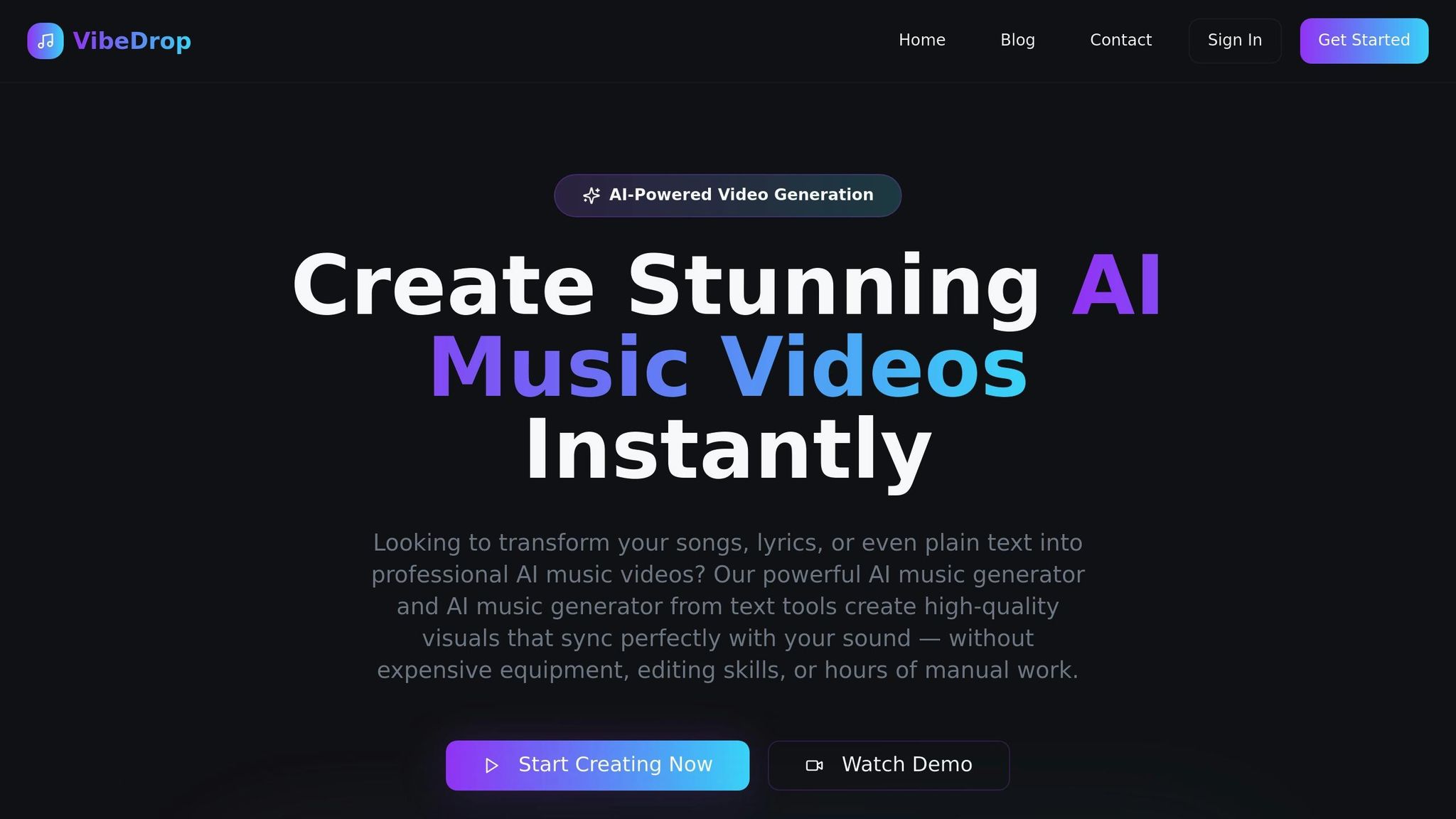
Vibesdrop takes the hassle out of creating trending content by automating the process. This AI-powered platform turns your music into engaging social media content designed for Instagram Reels, TikTok, and YouTube Shorts. No more digging for trending audio, designing visuals, or juggling multiple posting schedules - Vibesdrop does it all for you.
Let’s dive into how Vibesdrop uses smart analysis to elevate your tracks.
Analyze and Improve Your Tracks
Vibesdrop uses advanced music analysis to pinpoint the most engaging segments of your tracks for short-form content. Once you upload your music, the AI evaluates its tempo, mood, and structure to recommend ideal clip lengths and visual styles that complement your sound.
Its beat detection feature takes things a step further by syncing animations to every kick, snare, and bassline, creating visuals that flow perfectly with your track's rhythm and energy. For example, high-energy electronic tracks get dynamic, fast-paced cuts, while mellow acoustic songs feature softer, calming effects. This level of precision helps you decide which parts of your music will resonate most with your audience on platforms like Reels.
Create and Customize Visuals
Gone are the days of needing pricey equipment or advanced editing skills to produce stunning visuals. Vibesdrop offers a suite of tools to instantly generate visuals that you can fully customize. Choose from templates, add text overlays, apply filters, and sync everything seamlessly to your music’s beat.
The platform includes a variety of visual styles - such as anime, retro, glitch, surreal, and minimalist - so you can match the vibe of your track. It also supports text-to-video storytelling, making it easy to create lyric videos, behind-the-scenes montages, or performance highlights.
A standout feature is the automatic lyrics overlay, which syncs text perfectly to your track. You can customize the style and animation of the lyrics, making it ideal for sing-along content or highlighting specific lines to boost engagement.
Every video is formatted to fit the preferences of major platforms: vertical (9:16) for Instagram Reels and TikTok, horizontal (16:9) for YouTube, and square (1:1) for Instagram posts. This ensures your content always looks sharp and professional, no matter where it’s shared.
When your visuals are ready, Vibesdrop makes distribution even easier with auto-posting.
Auto-Post Across Multiple Platforms
With Vibesdrop’s scheduling feature, you can post your content across Instagram, TikTok, and YouTube Shorts with just one click. If you’re promoting a new release, simply create your content and let the platform handle posting at the optimal times for your audience.
Vibesdrop offers three pricing plans to cater to different needs: the Indie plan at $9.99/month includes 13 credits, the Producer plan at $29.99/month offers 46 credits, and the Studio plan at $94.99/month provides 165 credits. Unused credits roll over each month, giving you the flexibility to create content on your schedule.
Looking ahead, Vibesdrop is working on growth analytics tools that will help you track engagement, monitor follower growth, and identify your top-performing content. These insights will make it even easier to fine-tune your strategy and promote your music effectively.
Track Your Results: Monitor Engagement and Reach
Once you've enhanced your Reels with trending audio, the next step is just as important: analyzing how they perform. Simply creating Reels isn't enough - it's the insights you gain from tracking results that can truly elevate your music promotion strategy. Without this step, you might miss out on key opportunities to connect with your audience.
With Reels boasting a 1.23% engagement rate, keeping an eye on performance metrics can make a big difference in how effectively you promote your music.
Monitor Key Performance Metrics
Your Instagram analytics dashboard is your go-to tool for understanding what works and what doesn’t. Five key metrics can help you measure the impact of your trending audio strategy: likes, comments, shares, saves, and reach.
- Likes provide instant feedback, giving you a quick sense of how your audience feels about your content.
- Comments and shares go deeper, showing how engaged your viewers are. Shares, in particular, extend your reach by introducing your music to entirely new networks.
- Saves are a strong signal that your content resonated. When users save your Reels, they’re bookmarking your music to revisit later or share with others - potentially turning casual viewers into loyal fans.
- Reach measures how many unique accounts saw your Reel. A high reach paired with strong engagement often means Instagram’s algorithm is pushing your content to more users, thanks to your effective use of trending audio.
To access these insights, head to Instagram's Professional Dashboard in the app. If you haven’t switched to a professional account yet, it’s free and unlocks analytics tools that personal accounts don’t offer.
Timing is another crucial factor. Instagram analytics can show you when your audience is most active, helping you schedule Reels for maximum visibility. Many musicians find that evenings - when people are unwinding after work or school - tend to generate the best engagement.
By keeping tabs on these metrics, you’ll be better equipped to refine your approach and create content that truly resonates.
Use Data to Improve Future Content
The numbers only matter if they lead to actionable insights. Move beyond surface-level stats like total likes and dig into engagement rates and audience retention to uncover what’s really working.
Start by comparing the performance of Reels that used trending audio to those that didn’t. You’ll likely notice a clear difference in reach and engagement. This can help you identify which types of trending sounds align best with your music and audience.
Pay attention to how different visual styles perform with various types of audio. For example, your acoustic tracks might thrive with simple, stripped-down visuals, while electronic music could benefit from bold, beat-synced animations. These insights can guide your creative decisions moving forward.
Another key metric to watch is viewer drop-off rates. If people are consistently tuning out after the first few seconds, your opening hook may need improvement. On the other hand, if viewers stay until the end but don’t engage, consider tweaking your call-to-action.
To stay ahead in a competitive space, focus on what works and cut what doesn’t. Track your top-performing Reels, noting details like the trending audio used, visual style, posting time, and key metrics. Over time, patterns will emerge, offering a roadmap for future content creation.
Don’t overlook the comments section, either. Fans often share valuable feedback there - like which songs they want more of or which visuals caught their eye. Reading through these responses can provide direct insights into what resonates most.
Finally, consider external factors when reviewing your data. A Reel posted during a major event might perform differently than one shared during a quieter time. Context matters, and factoring in these variables will help you interpret your metrics more accurately.
Conclusion: Boost Your Music Promotion with Trending Audio
Using trending Reels audio is a game-changer for growing your audience on Instagram. Data shows that Reels perform better than standard posts, and syncing your music with popular sounds gets Instagram's algorithm working in your favor, exposing your content to more users more frequently.
To sum it up: pick trending audio, pair it with your visuals, and engage your audience. When you align trending sounds with your brand's style and encourage fans to create content featuring your tracks, the results can be impressive - think more streams and a noticeable boost in followers.
Tools like Vibesdrop simplify this process by automatically pairing your music with dynamic visuals and posting them across platforms. This automation frees you up to focus on tracking your performance and making adjustments based on real-time data.
By combining trending audio with insights from metrics like saves, shares, and reach, you can refine your strategy and improve results over time. Trends often last just a few weeks to a couple of months, so staying flexible and responsive is key to staying ahead.
Whether you're building your presence from scratch or scaling up your efforts, trending Reels audio offers a straightforward way to boost visibility and engagement. With Vibesdrop handling the technical side, you can concentrate on what you do best: creating music that connects with your audience. Together, these tools and strategies create a cycle of growth that strengthens your social presence over time.
FAQs
How can I use trending audio on Instagram Reels to promote my music?
To make the most of trending audio for promoting your music on Instagram Reels, start by finding popular sounds that match your music's vibe. You can discover these by browsing the Explore page or checking out what’s gaining traction in your specific genre or niche.
After picking the right trending audio, combine it with your track by crafting eye-catching visuals that speak to your audience. Tools like Vibesdrop simplify this process by allowing you to upload your music, create visuals, and post directly to Instagram Reels. This ensures your content is tailored for better visibility and engagement.
Using trending audio not only helps you reach more people but also gives you a chance to creatively showcase your music to a broader audience.
What mistakes should I avoid when using trending audio on Instagram Reels?
To get the most out of trending audio on Instagram Reels, steer clear of these common missteps:
- Relying too much on popular tracks: Sure, trending audio can help your reach, but if you use the same track as everyone else without putting your own spin on it, your content might just get lost in the crowd.
- Forgetting your brand’s vibe: Always make sure the audio you pick fits your brand’s personality and style. A track that feels out of place or off-brand could confuse your audience.
- Missing the right timing: Trends move fast. If you hop on too late, you risk losing the impact. Stay alert and act quickly while the trend is still fresh.
If you're a musician, tools like Vibesdrop can make life easier. They offer features to create visuals, analyze your music, and post across platforms, helping you stay on-trend while keeping your content true to your style.
How can I use trending audio on Instagram Reels to promote my music effectively?
Using trending audio on Instagram Reels is a smart way to boost your music's reach and connect with a larger audience. Trending sounds often tie into popular themes or challenges, making your content easier for people to discover and enjoy.
Start by browsing Instagram's Reels section to spot audio that's gaining traction. Once you find the right track, craft a Reel that blends your music with the trend in a creative way. This approach can improve your chances of landing on the Explore page, which can lead to more views, likes, and comments.
To streamline the process, you might want to check out tools like Vibesdrop. This platform helps musicians create visuals and schedule posts across Instagram Reels, TikTok, and YouTube Shorts. Using such tools not only saves time but also ensures your content is tailored for maximum visibility.