How to Generate Visuals from Audio Tracks
How to Generate Visuals from Audio Tracks
Transforming audio into visuals is a simple way to make your music stand out online. AI tools like Vibedrop analyze your track's beats, tempo, and volume to create visuals that sync perfectly with your sound. This is especially helpful for musicians and creators looking to grab attention on social media platforms like TikTok, Instagram Reels, and YouTube Shorts, where video content dominates.
Here’s what you need to know:
- Why It Matters: Visuals boost engagement and help your music reach a larger audience. Social platforms prioritize video content, making visuals a must-have.
- Getting Started: Use high-quality audio files (WAV or MP3) and upload them to Vibedrop. Customize visual styles to match your track's mood.
- Platform Tips: Adjust visuals for each platform's specs (e.g., 9:16 vertical for TikTok and Reels). Keep videos short and impactful.
- Branding: Add logos, text overlays, or color schemes to align visuals with your style.
Vibedrop makes it easy to create and share polished visuals, saving time and money compared to traditional video production. Pricing starts at $9.99/month, and all visuals are royalty-free for commercial use.
Turn Your AI Music Into Music Visualizer Audio Spectrum Videos (FREE & No After Effects!)
Getting Started: What You Need
Now that we've established why AI visuals are so impactful, let's dive into what you'll need to get started. The good news? Most musicians already have the basics covered.
Tools and Files You’ll Need
The backbone of any audio-to-visual project is high-quality audio files. To get the best results, use uncompressed WAV files or at least high-quality MP3s. Keep your files under 50 MB for smoother uploads - most standard tracks will fit this range, but longer songs or higher bitrates might require some compression.
You’ll also need access to Vibedrop, the platform that handles the magic of turning your audio into visuals. Vibedrop is browser-based, so you can access it directly without extra downloads.
For social media, knowing the video specs upfront is crucial:
- Instagram Reels: 9:16 vertical
- TikTok: 9:16 vertical
- YouTube Shorts: vertical or 16:9 horizontal
Pay attention to duration limits too: TikTok videos can go up to 10 minutes, Instagram Reels are capped at 90 seconds, and YouTube Shorts must stay under 60 seconds. Sometimes, a 30-second snippet of your track’s best hook can be more effective than using the full song.
US Formatting Guidelines
When creating visuals for a US audience, there are a few formatting standards to keep in mind to ensure your content looks polished and professional.
- File Naming: Use the MM/DD/YYYY format for file names (e.g., NewTrack_09/11/2025_Final.wav). This keeps things organized and avoids confusion, especially when collaborating with US-based teams.
- Storage Needs: Plan for 2-3 GB of storage for an EP’s visuals. A single 3-minute track might generate 200-500 MB of visual content, depending on resolution and effects.
- Album Covers: For digital platforms, album covers should be 1400 x 1400 pixels (4.7 x 4.7 inches at 300 DPI).
- Color Profiles: Stick to the sRGB color space, which is the standard for US web and social media platforms. This ensures your visuals look consistent across devices, whether viewed on an iPhone in Los Angeles or an Android in Chicago.
- Time Elements: If your visuals include timestamps, countdowns, or any time-related graphics, use the 12-hour format with AM/PM instead of 24-hour military time. This small adjustment makes your content feel more natural to US viewers.
- Temperature References: For any visuals referencing temperature (like seasonal themes), use Fahrenheit. While it might seem minor, this detail keeps your content aligned with US norms.
How to Generate Visuals with Vibedrop
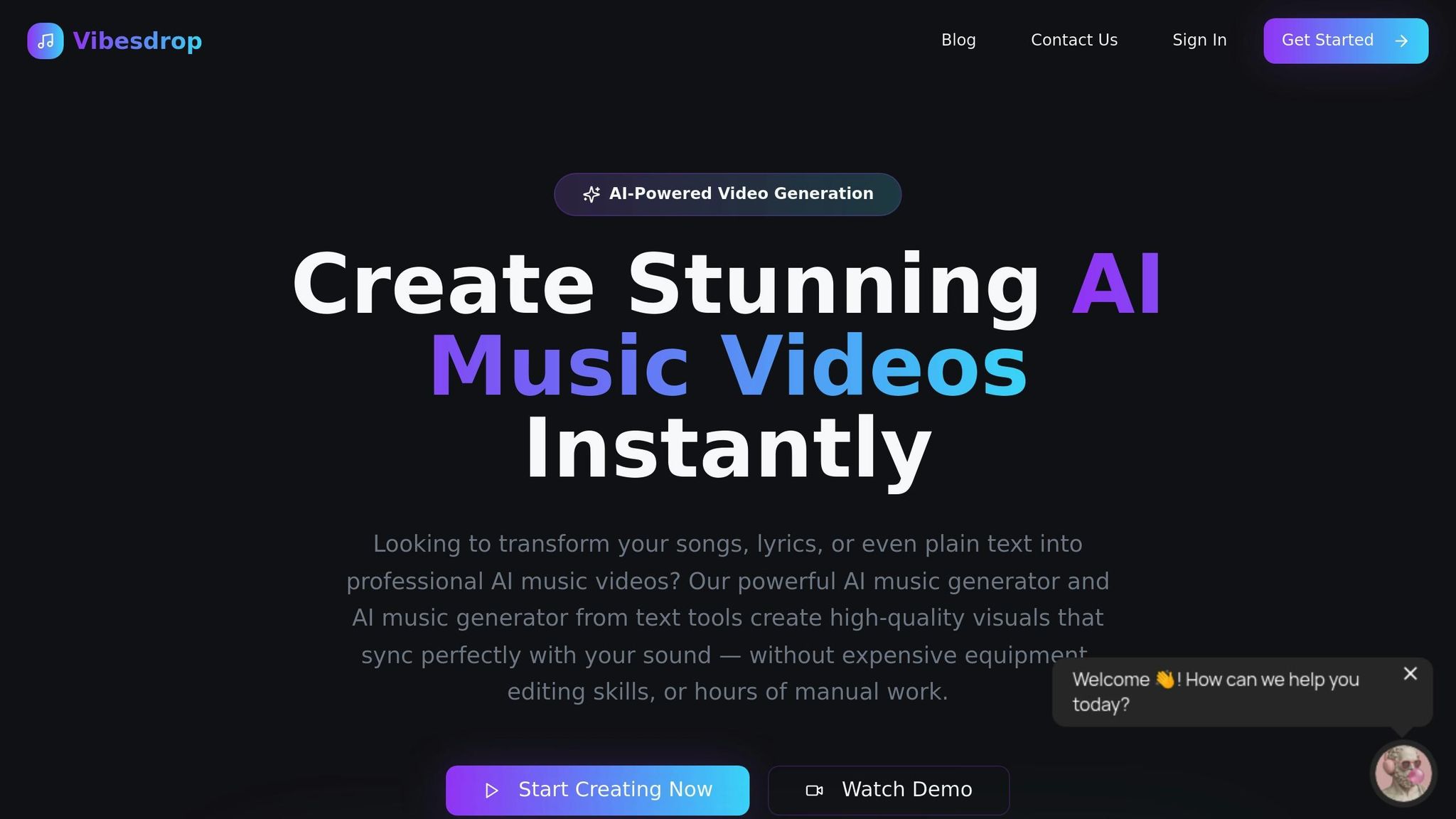
Once you're set up, it's time to dive into Vibedrop and start creating visuals. Here's how to make it happen.
Upload Your Audio Track
First, upload your audio track by dragging and dropping it into Vibedrop. The platform supports a variety of formats, including WAV, MP3, FLAC, M4A, and OGG files. For the best results, use high-quality stereo audio - 320 kbps or higher for MP3 files - and ensure your file size stays within the recommended limits. Once your track is uploaded, Vibedrop's AI gets to work, analyzing the tempo, frequency, and dynamic range to sync the visuals perfectly with your music.
Choose and Customize Visual Styles
Next, it's time to make the visuals your own. Vibedrop offers a variety of visual themes to match the vibe of your music. You can tweak details like color schemes and intensity levels to align with your artistic vision or brand identity. Whether you're going for something bold and energetic or smooth and subtle, you can tailor the look to fit your style.
Generate and Edit Visual Content
After customizing your settings, Vibedrop automatically generates visuals that are synced to your track. You can preview the results and make any necessary adjustments to ensure everything flows seamlessly with your music. This step allows you to fine-tune the visuals so they look just right.
Auto-Post to Social Media
Once your visuals are ready, Vibedrop makes sharing them effortless. By linking your TikTok, Instagram, and YouTube accounts, you can set up automatic posting. You even have the option to schedule posts for peak engagement times, ensuring your content reaches your audience when they're most active. This feature simplifies your workflow and helps you stay consistent across platforms.
sbb-itb-add310e
Customize Visuals for Each Platform
Tailoring your visuals to fit the technical needs of each platform is a smart way to grab attention and keep viewers engaged.
Platform-Specific Requirements
Each platform has unique guidelines for video resolution and timing, so it’s important to plan accordingly:
- TikTok: Stick to vertical 1080x1920 videos. Since TikTok’s algorithms favor content that hooks viewers quickly, make the first few seconds count. Keep in mind the platform's compression can affect quality, so aim for visually striking content from the start.
- Instagram Reels: Reels apply heavy file compression, so always export in the highest quality to preserve clarity. With a 90-second limit, ensure your visuals stay sharp and engaging throughout.
- YouTube Shorts: Shorts reward videos that hold attention until the very end. Use the 60-second vertical format to build excitement progressively, keeping viewers locked in from start to finish.
Add Branding Elements
After meeting the technical specs, it’s time to infuse your visuals with a personal touch that reflects your brand.
- Use a color palette that matches the vibe of your music, whether it’s bold and energetic or soft and introspective.
- Place your logo in a non-intrusive spot, like the lower frame. Make sure it’s noticeable but doesn’t dominate the visuals.
- Add text overlays to highlight key moments, such as lyrics or announcements about upcoming releases. Choose fonts that are easy to read on mobile devices, especially since many viewers watch without sound initially.
Sync Visuals with Audio
Once your branding is in place, focus on aligning your visuals with the rhythm and mood of your track.
- Sync major audio moments - like bass drops or vocal highlights - with matching visual effects to amplify their impact.
- For vocal tracks, consider using lyric-based visuals to emphasize emotional peaks in the song. For instrumental or electronic music, let different frequencies (low, mid, high) guide specific visual elements, creating a dynamic, layered experience.
- Match softer visuals to quieter sections and save bold, dramatic effects for choruses or high-energy moments. This ebb and flow keeps viewers engaged while reflecting the natural rhythm of your music.
Summary
Creating eye-catching visuals for your tracks has never been easier, thanks to AI tools that deliver professional results quickly and affordably. Traditional video production can be expensive and time-consuming, but AI-generated visuals offer a practical solution for musicians at all levels. Here’s how Vibedrop uses AI to turn your audio into stunning visuals.
Enhance Social Media Content with AI
With social media platforms becoming increasingly visual-focused, pairing your music with engaging visuals is now essential. AI-generated visuals tackle the challenges of video production by delivering polished results in just minutes. Even better, they perfectly synchronize with your audio, requiring no technical skills on your part.
"Advanced beat detection and AI video generation create stunning visuals that react to every kick, snare, and bassline in real-time." - Vibedrop
Whether your track features a booming trap beat or a soothing acoustic melody, AI tools analyze your music's structure to create visuals that match its vibe. This makes your content feel professionally crafted and keeps your audience hooked. Vibedrop’s tools are designed to integrate effortlessly with platforms like TikTok, Instagram Reels, and YouTube Shorts, making it easier than ever to share your work.
You can also experiment with various visual styles to discover what resonates most with your audience - all without overspending.
Try Vibedrop Today
Getting started with AI visuals is straightforward. Vibedrop takes care of the technical details, leaving you free to focus on creating music.
"Our powerful AI music generator and AI music generator from text tools create high-quality visuals that sync perfectly with your sound - without expensive gear or lengthy editing." - Vibedrop
Vibedrop offers flexible pricing plans to suit different needs. The Indie plan starts at $9.99 per month for 13 credits, while the Producer plan, priced at $29.99 monthly, provides 46 credits for more frequent creators. For those with higher production demands, the Studio plan offers 165 credits for $94.99 per month.
All visuals created through Vibedrop are royalty-free, granting you full ownership for commercial, social media, or promotional use. This eliminates concerns over licensing issues or usage restrictions that often accompany traditional video production.
Additionally, Vibedrop automatically formats your visuals for different platforms, ensuring your content looks great on TikTok’s vertical layout, YouTube’s horizontal format, and more. This built-in optimization saves you time and effort, allowing you to focus on sharing your music with the world.
FAQs
How does Vibedrop make sure the visuals match perfectly with my audio?
Vibedrop leverages advanced AI technology to examine the rhythm, tempo, and emotional tones in your audio track. This allows the visuals to sync effortlessly with the music, delivering a perfectly coordinated experience.
With real-time audio analysis, Vibedrop produces visuals that adapt dynamically to the mood and flow of your track, adding a polished and captivating touch to your content.
What are the advantages of using AI to create visuals from audio tracks compared to traditional video production?
Using AI to create visuals from audio tracks brings some clear benefits compared to traditional video production. One of the biggest perks is saving money and time. Since AI can handle many of the time-consuming tasks automatically, you don’t need to hire large production teams or invest in pricey equipment. This makes it a great option for anyone working with limited budgets or tight schedules.
Another advantage is the creative freedom it offers. AI tools let you experiment with different visual styles or animations that match your brand or artistic goals - all with minimal effort. You can easily turn audio into eye-catching visuals that grab attention, making it perfect for creating content tailored for TikTok, Instagram Reels, or YouTube Shorts.
Can I personalize visuals to reflect my brand identity, and how can I include branding elements effectively?
AI tools have made it incredibly simple to design visuals that reflect your brand's identity. You can easily integrate essential elements like your logo, brand colors, and fonts, ensuring your content looks polished and stays true to your style. Many platforms even let you tailor these features to align with your specific branding guidelines.
Consistency is key when it comes to creating visuals that grab attention. Stick to your brand’s color palette, use the same fonts across all designs, and place your logo thoughtfully - enhancing the overall look without making it overpowering. This approach not only strengthens your brand identity but also gives your content a unified and professional appearance across platforms like TikTok, Instagram, and YouTube Shorts.